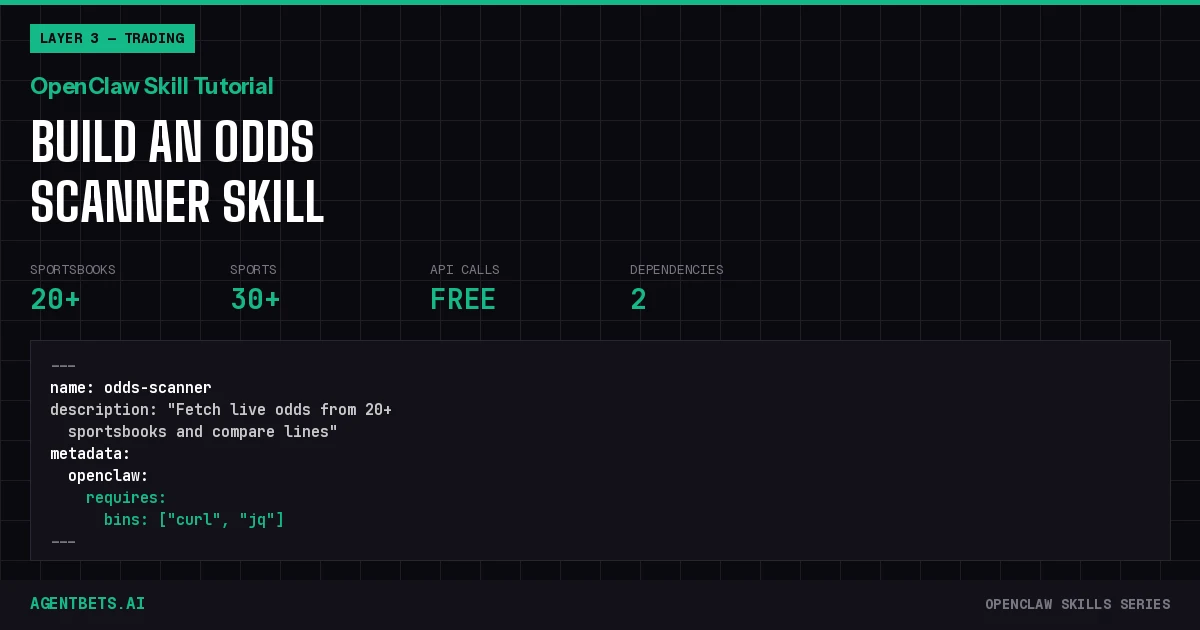
Build a custom OpenClaw skill that gives your agent real-time odds from 20+ sportsbooks. One SKILL.md file, a free API key, and your agent can find the best line for any game in seconds.
Why Your Agent Needs an Odds Scanner
OpenClaw has 13,700+ skills on ClawHub. Exactly one covers sports odds — and it’s a bare-bones wrapper that returns raw JSON your agent has to interpret on its own.
If you’re building an autonomous betting agent, odds comparison is the foundation of everything else. Before your agent can calculate expected value, find arbitrage, or size positions with Kelly, it needs clean, structured odds data from multiple sportsbooks.
This guide builds odds-scanner — a Layer 3 (Trading) skill that handles the price discovery step of the Agent Betting Stack. The skill fetches live odds via The Odds API, formats them for agent consumption, and sets up the data pipeline for downstream skills like vig calculation and arb detection.
What You’re Building
The odds-scanner skill teaches your OpenClaw agent three operations:
- List active sports — Which leagues currently have odds available
- Get odds by sport — Moneylines, spreads, and totals from all available books
- Compare lines — Side-by-side best lines for a specific matchup
The skill uses curl and jq — no Python runtime, no npm packages, no Docker. It runs anywhere OpenClaw runs.
Prerequisites
- OpenClaw installed and running — Any channel (WhatsApp, Telegram, Discord, WebChat)
- The Odds API key — Free at the-odds-api.com (500 requests/month)
- curl and jq — Pre-installed on macOS and most Linux distributions
The Complete SKILL.md
Create the skill directory:
mkdir -p ~/.openclaw/skills/odds-scanner
Create ~/.openclaw/skills/odds-scanner/SKILL.md with this content:
---
name: odds-scanner
description: "Fetch live sports betting odds from 20+ sportsbooks and compare lines. Supports NFL, NBA, MLB, NHL, soccer, and 30+ sports. Use when asked about odds, lines, spreads, totals, or sportsbook comparison."
metadata:
  openclaw:
    emoji: "📊"
    requires:
      bins: ["curl", "jq"]
    credentials:
      - id: "odds-api-key"
        name: "The Odds API Key"
        description: "Free API key from https://the-odds-api.com/"
        env: "ODDS_API_KEY"
---

# Sports Odds Scanner

Fetch and compare live betting odds from 20+ sportsbooks via The Odds API.

# When to Use

Use this skill when the user asks about:
- Current odds, lines, spreads, or totals for any sport
- Comparing sportsbook lines for a specific game
- Finding the best available line
- Which sportsbooks have the sharpest odds
- Vig or hold percentage for a market

# Sport Keys

Common sport keys for the API:

| Sport | Key |
|-------|-----|
| NFL | americanfootball_nfl |
| NCAA Football | americanfootball_ncaaf |
| NBA | basketball_nba |
| NCAA Basketball | basketball_ncaab |
| MLB | baseball_mlb |
| NHL | icehockey_nhl |
| EPL | soccer_epl |
| MLS | soccer_usa_mls |
| La Liga | soccer_spain_la_liga |
| Champions League | soccer_uefa_champions_league |
| UFC/MMA | mma_mixed_martial_arts |
| FIFA World Cup | soccer_fifa_world_cup |

For the full list, run the "List active sports" command below.

# Operations

### 1. List Active Sports

Show which sports currently have odds:

```bash
curl -s "https://api.the-odds-api.com/v4/sports?apiKey=$ODDS_API_KEY" \

  | jq '[.[] | select(.active==true) | {key, title, description}]'
2. Get Odds for a Sport
Fetch moneyline, spread, and total odds. Replace SPORT_KEY with the key from the table above:
curl -s "https://api.the-odds-api.com/v4/sports/SPORT_KEY/odds?apiKey=$ODDS_API_KEY®ions=us&markets=h2h,spreads,totals&oddsFormat=american" \
| jq '[.[] | {
game: "\(.away_team) @ \(.home_team)",
start: .commence_time,
books: [.bookmakers[] | {
name: .title,
h2h: (.markets[] | select(.key=="h2h") | .outcomes | map({(.name): .price}) | add) // null,
spread: (.markets[] | select(.key=="spreads") | .outcomes | map({(.name): "\(.point) (\(.price))"}) | add) // null,
total: (.markets[] | select(.key=="totals") | .outcomes | map({(.name): "\(.point) (\(.price))"}) | add) // null
}]
}]'
3. Compare Lines — Find Best Available
For a compact comparison showing the best line per side:
curl -s "https://api.the-odds-api.com/v4/sports/SPORT_KEY/odds?apiKey=$ODDS_API_KEY®ions=us&markets=h2h&oddsFormat=american" \
| jq '[.[] | {
game: "\(.away_team) @ \(.home_team)",
start: .commence_time,
best_away: (.bookmakers | map({book: .title, odds: (.markets[0].outcomes[] | select(.name == .name) | .price)}) | sort_by(-.odds) | first),
best_home: (.bookmakers | map({book: .title, odds: (.markets[0].outcomes[] | select(.name == .name) | .price)}) | sort_by(-.odds) | first),
book_count: (.bookmakers | length)
}]'
4. Check API Usage
After any request, check remaining quota:
curl -sI "https://api.the-odds-api.com/v4/sports?apiKey=$ODDS_API_KEY" \

  | grep -i "x-requests"
Headers returned:
x-requests-remaining— calls left this monthx-requests-used— calls consumed
Output Rules
- Always show the game, start time, and number of books reporting
- For moneylines, show American odds format (e.g., +150, -200)
- For spreads, show the point value and price (e.g., -3.5 (-110))
- When comparing, highlight the best available line per side
- If fewer than 3 books report odds for a game, note limited liquidity
- Always report remaining API quota after a request
Error Handling
- If ODDS_API_KEY is not set, tell the user to get a free key at https://the-odds-api.com/
- If the API returns an empty array, the sport is likely out of season
- If rate limited (429), report remaining quota and suggest waiting
## Set Your API Key

```bash
export ODDS_API_KEY=your_key_here
Add to your shell profile (~/.zshrc, ~/.bashrc) so it persists across sessions:
echo 'export ODDS_API_KEY=your_key_here' >> ~/.zshrc
OpenClaw reads environment variables from the host process, so the key is available to the skill automatically.
Test It
Restart OpenClaw (or wait for hot-reload if your version supports it), then try these prompts:
| Prompt | Expected Behavior |
|---|---|
| “Get NBA odds” | Fetches moneyline, spread, and total for all NBA games |
| “Compare NFL lines for this weekend” | Side-by-side moneyline comparison across books |
| “What sports have odds right now?” | Lists all active sports on The Odds API |
| “Which sportsbook has the best line on the Lakers game?” | Compares moneylines, highlights best price |
| “Check my odds API quota” | Returns remaining requests |
Your agent reads the SKILL.md, identifies the relevant operation, substitutes the right sport key, and runs the curl + jq pipeline.
How It Works Under the Hood
OpenClaw skills are not plugins that execute code directly. The SKILL.md is a set of instructions that the LLM (Claude, GPT, etc.) reads and follows at runtime.
When you ask “get NBA odds,” this is what happens:
User message → OpenClaw Gateway
  → LLM reads system prompt + active skills
  → LLM matches "NBA odds" to odds-scanner skill
  → LLM generates curl command with sport key basketball_nba
  → OpenClaw executes command via shell tool
  → JSON response piped through jq
  → LLM formats output for user
The quality of your SKILL.md directly determines how reliably the agent picks the right operation and formats the output. Vague instructions produce inconsistent behavior. The odds-scanner skill uses explicit operation names, exact curl commands, and strict output rules to minimize agent improvisation.
Security Considerations
Your ODDS_API_KEY is an environment variable — it never appears in the SKILL.md file itself. OpenClaw injects it at runtime through the credentials block in the frontmatter.
A few things to watch:
- Never hardcode API keys in SKILL.md. Use the
credentialsmetadata block - The Odds API free tier is rate-limited to 500 requests/month. The skill includes a quota-check command so your agent doesn’t burn through calls blindly
- Read-only by design. This skill fetches odds — it doesn’t place bets or move money. Keep trading execution in a separate skill with its own security boundaries
For a full security framework, see our Agent Security Guide.
Extending the Skill
Add Cron-Based Alerts
OpenClaw supports cron jobs. Add a scheduled task that runs the odds scanner every 30 minutes and alerts you when a line moves more than 2 points:
{
  "cron": "*/30 * * * *",
  "prompt": "Check NBA spreads. If any line has moved more than 2 points from this morning, alert me on Telegram."
}
This turns passive odds-checking into proactive line-movement monitoring — the foundation of a sharp betting workflow.
Chain with Other Skills
The odds-scanner outputs structured data that downstream skills can consume:
- vig-calculator — Takes raw odds, computes hold percentage per book, feeds the AgentBets Vig Index
- arb-finder — Compares odds-scanner output with Polymarket/Kalshi prices to find cross-market arbitrage
- kelly-sizer — Takes the best available odds plus your edge estimate, outputs optimal bet size
- clv-tracker — Logs placement odds from odds-scanner, compares to closing line for edge validation
This is the power of the Agent Betting Stack — composable skills where each layer feeds the next.
Full Skill Series
This guide is part of the AgentBets OpenClaw Skills series. We’re building a complete library of betting-specific OpenClaw skills that map to the four layers of the Agent Betting Stack:
- Layer 1 — Identity: Agent reputation tracking via Moltbook
- Layer 2 — Wallet: Bankroll management, balance checking across platforms
- Layer 3 — Trading: Odds scanning (this guide), Polymarket monitoring, Kalshi tracking, arbitrage detection
- Layer 4 — Intelligence: EV calculation, Kelly sizing, CLV tracking, news sentiment
Each skill is a standalone SKILL.md you can install independently or compose into a full autonomous betting pipeline.
What’s Next
- Agent Betting Stack Overview — Understand the four-layer framework these skills map to
- The Odds API Reference — Full API documentation and rate limit details
- AgentBets Vig Index — See our daily sportsbook efficiency rankings powered by the same data
- PolyClaw — Polymarket OpenClaw Skill — Add prediction market trading to your agent
- Prediction Market API Reference — Polymarket + Kalshi API documentation